
Main menu





You are here
handy bash, vim and screen configurations
3 December 2009 - 9:08am — drew
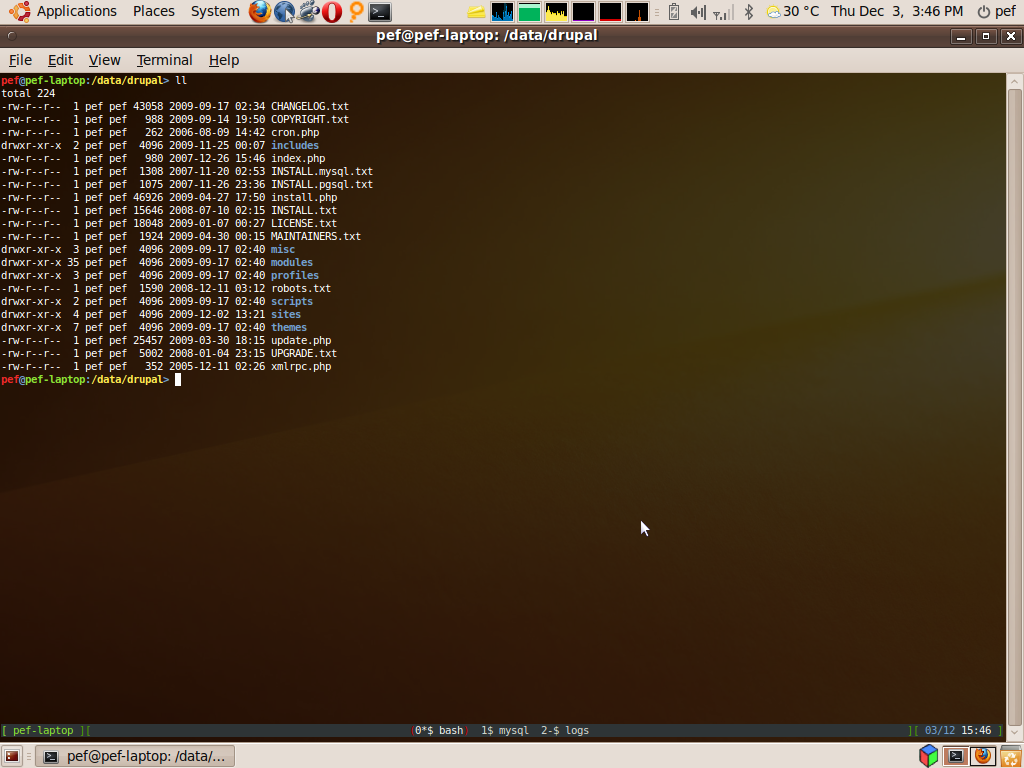
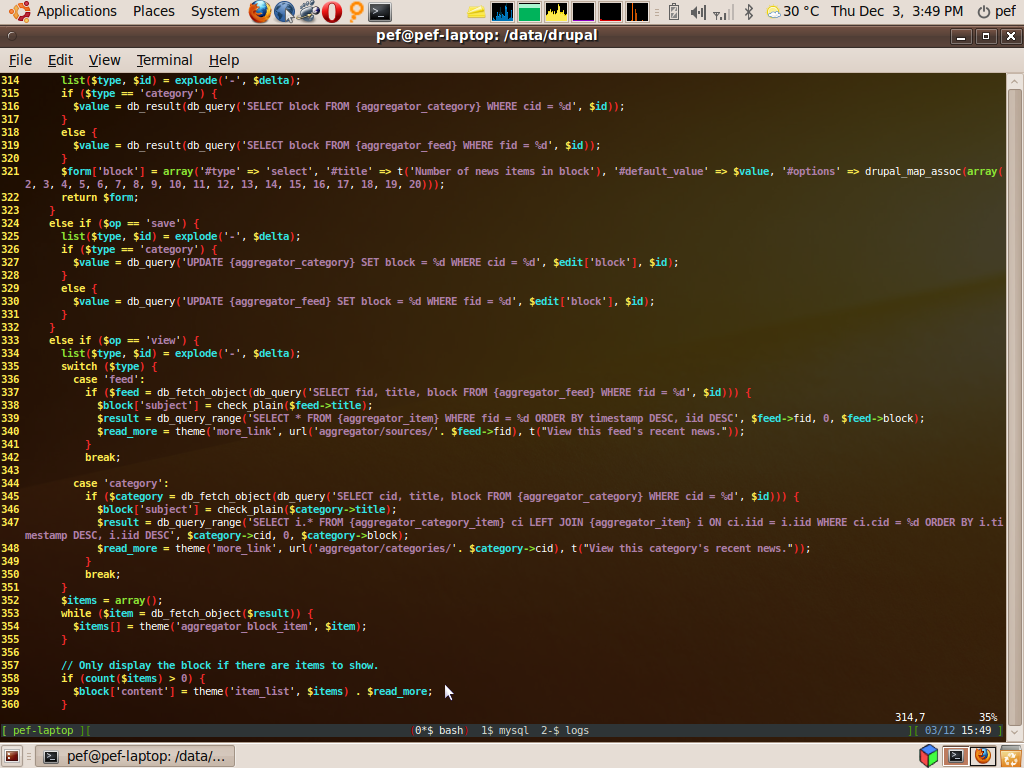
Here are some useful configurations for bash, vim and screen. Every time I have to set myself up on a new machine, I end up copying these files from a machine where I've already got an account. I thought perhaps it'd be easier to put the settings on a webpage. If anyone else finds these useful, that's a bonus.
~/.bashrc
(snippet, not the whole file)
#colourful promptexport PS1="\[\e[31;1m\]\u\[\e[34;1m\]@\[\e[32;1m\]\H\[\e[34;1m\]:\[\e[33;1m\]\w\[\e[34;1m\]> \[\e[0m\]" export EDITOR=$(which vim)
~/.bash_aliases
alias ll='ls -l'alias dull='du --max-depth=1' # similar to du -s (summary)alias git-svn='git svn'alias drush='/data/drush/drush.php'
~/.screenrc
# tabs / status bar at bottom of displayhardstatus alwayslastlinehardstatus string '%{= kG}[ %{G}%H %{g}][%= %{= kw}%?%-Lw%?%{r}(%{W}%n*%f %t%?(%u)%?%{r})%{w}%?%+Lw%?%?%= %{g}][%{B} %d/%m %{W}%c %{g}]'
~/.vimrc
" syntax highlighting, line numbers etc.. syntax on set background=dark set nu " line numbers set showmatch " matching brackets etc... set incsearch " incremental search " case sensitivity set ic " ignore case set scs " smartcase - any search with an uppercase character becomes a case sensitive search " tabs and indentation set to 2 spaces set tabstop=2 set shiftwidth=2 set expandtab " to have vim swap all existing tabs for 2 spaces, uncomment this " :retab " auto-indenting set cindent set smartindent set autoindent " file types " recognise various drupal file extensions " as php files for syntax highlighting au BufReadPost *.module set syntax=php au BufReadPost *.install set syntax=php au BufReadPost *.profile set syntax=php au BufReadPost *.inc set syntax=php au BufReadPost *.php.* set syntax=php
xmodmaprc for a mac
...finally one I don't need often. Running linux on a mac (for example a PowerBook G4 12" that I borrowed for a while recently), I find I'm a bit lost - particularly in vim - without my delete and insert keys. On the other hand, I know of no good use for the two keys to the right of the spacebar (apple key and enter?). So, I use xmodmap to map these keys to something useful:
xmodmap -e "keysym KP_Enter = Insert"xmodmap -e "keysym Super_L = Delete"
- Log in to post comments